A real-looking procurement app, built for practising software testing.
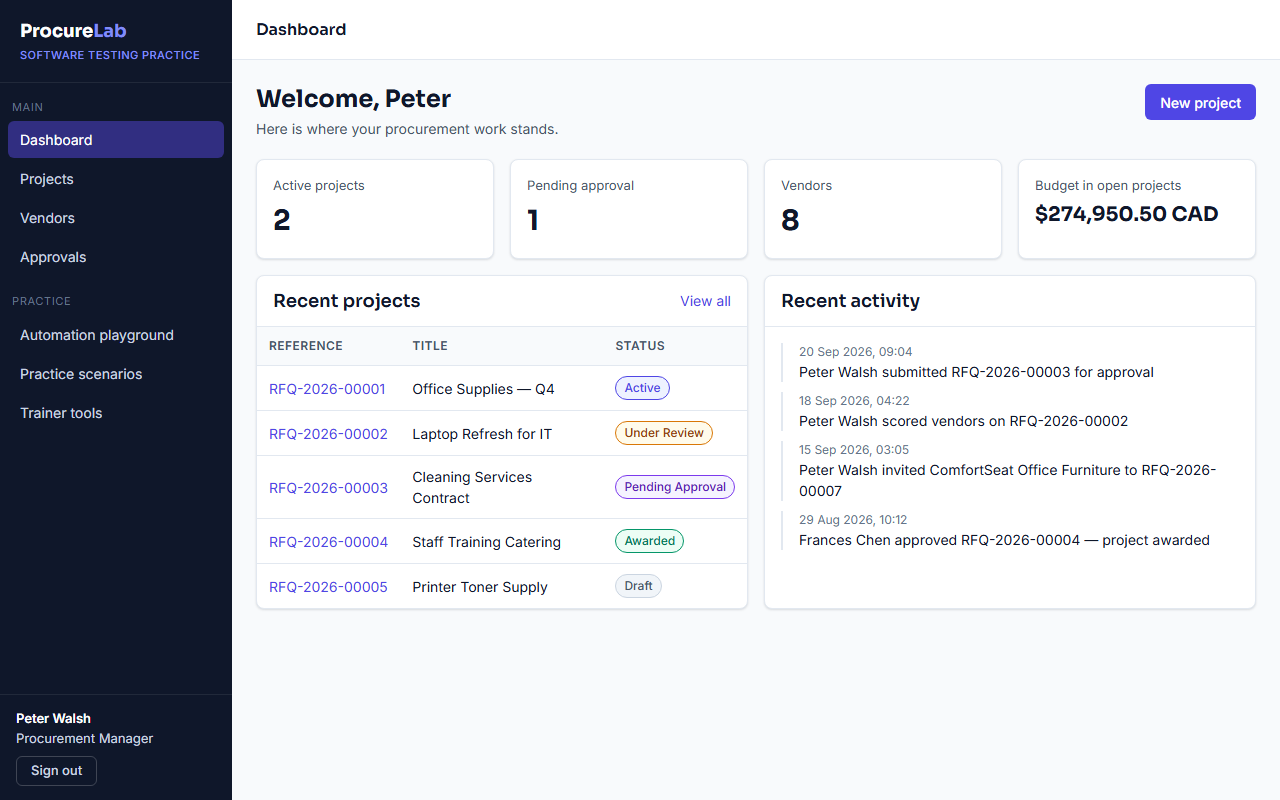
ProcureLab behaves like a real business application: people sign in with different roles, raise requests for quotes, invite vendors, score their quotes and send the winner for approval. Nothing you do leaves your browser, so you cannot break anything — and one click puts it back to the start.
How to start
-
Pick a name
Any username and password will do. To work as a particular role, copy one of the practice accounts below.
-
Sign in
Open the sign-in page and type or paste them in. You land on that role's dashboard.
-
Choose what to practise
Work through the practice scenarios, or open the automation playground to try tricky elements.
Practice accounts
Any username and password will sign you in. A name that isn't listed here becomes a Procurement Manager. Use these accounts to work as a particular role.
| Role | Username | Password | What they do |
|---|---|---|---|
| Procurement Manager | peter.pm |
Password456! |
Creates projects, invites vendors, uploads quotes, scores vendors, submits for approval |
| Department Head | david.head |
Password456! |
First approval step |
| Finance Approver | frances.finance |
Password456! |
Second and final approval step |
Safe to break
Your data is stored only in this browser. Other students never see your changes. Use Trainer tools → Reset practice data to start again.
For manual testers
Work through the scenarios, write test cases, and report the defects you find. Switch on bug hunt mode from Trainer tools and ten realistic bugs appear for you to find and report.
For automation testers
Every field and button has a stable id and many have a data-testid. The automation playground adds alerts, waits, frames, hover menus, drag and drop, new tabs and shadow DOM.
Same flow as the real thing
Projects move Draft → Active → Under Review → Pending Approval → Awarded, and need two approvals: the Department Head, then Finance.